
Choosing a TP-Link Router for Your Broadband
Start with the broadband package and the rooms where you need a connection. A router placed centrally may suit a compact home. A divided flat or several floors may need additional access locations. Walls, interference and placement affect results, so antenna count does not guarantee a fixed room count or floor area.
Include wired devices in the plan. A desktop PC, TV or game console needs an appropriate LAN connection if you intend to connect it by cable. The WAN port connects the router to your internet equipment; its speed matters even when your phone connects over Wi-Fi.
TP-Link Dual-Band, Wi-Fi 6 and Deco Options
For a budget shortlist, the store lists TL-WR841N and Archer C24, C50 and C54. Archer C54 is an AC1200 dual-band router, but its WAN and LAN connections are 10/100 Mbps. It is a useful example of why dual-band Wi-Fi does not automatically mean Gigabit Ethernet.
For TP-Link Wi-Fi 6 router options, Archer AX53 combines the AX3000 wireless class with Gigabit wired connections. Compare it when your broadband and client devices can make use of those interfaces. Match the exact hardware version to the required features instead of assuming every Archer AX model has the same specification. TP-Link's official Archer AX53 page provides the model reference.
Deco is the mesh range to consider when you need access locations in more than one part of the building. Deco E4 has two 10/100 Mbps Ethernet ports per unit. That wired limit matters for faster broadband, even though it is an AC1200 mesh system. Compare the exact interfaces and package quantity rather than choosing only by the mesh label.
Port Speeds, Wi-Fi Classes and Gaming
For broadband above 100 Mbps, shortlist appropriate Gigabit WAN and LAN ports. A 100 Mbps link limits usable throughput below that nominal figure. The ISP equipment, cables and connected device interfaces also need to support the planned speed.
AX1500, AX3000 and AX5400 are wireless classes, not promised internet download speeds. The quoted wireless figures do not mean one device receives that internet rate. Actual results depend on the broadband service, network interfaces, client support and radio conditions. A compatible device is needed to use Wi-Fi 6-specific features.
For gaming, use a suitable wired connection where practical. If you use Wi-Fi, consider client compatibility, signal quality and interference. Other network traffic, ISP routing and the game server affect latency too. A newer router or a gaming product name does not guarantee lower ping.
TP-Link Router Price in BD: Models and Mesh Packs
For buyers comparing the TP-Link Archer C6 price in Bangladesh, the current listing is BDT 3,500. Archer C64 is listed at BDT 3,000 and Archer AX53 at BDT 6,000. These options give you specific models and prices to compare against your port and wireless requirements. The budget TL-WR841N listing starts at BDT 1,800.
For TP-Link Deco prices in Bangladesh, Deco E4 is currently BDT 8,950 for a three-pack and Deco M4 is BDT 11,500 for a three-pack. Prices vary with the interfaces, wireless features and number of units. These are listed base amounts; compare the exact model and pack size, then request the latest quotation and applicable charges.
Buying from TechMe BD
Read the Warranty Policy and keep your invoice and product serial details for eligible claims. Coverage depends on the selected product and applicable brand terms. The Online Delivery terms explain arrangements for Dhaka and other locations; charges depend on the order and delivery arrangements.
Share your broadband package, layout and connected-device needs for model-selection questions. Agree any requested setup assistance separately. For another brand shortlist, browse the router collection and compare the same requirements.
Frequently Asked Questions
টিপি লিংক রাউটার দাম কত থেকে শুরু?
TechMe BD-তে TP-Link TL-WR841N-এর তালিকাভুক্ত দাম ৳১,৮০০ থেকে শুরু। কেনার আগে নির্বাচিত মডেল, প্যাকেজ ও সর্বশেষ দাম জেনে নিন।
Which port speed do I need for my broadband package?
For a package above 100 Mbps, choose suitable Gigabit WAN and LAN connections. A Fast Ethernet link can limit the connection regardless of the advertised Wi-Fi class.
Should I choose an Archer router or a Deco mesh system?
Choose by the layout and practical installation points. A single router may suit a compact home; mesh adds access locations but still needs good node placement and suitable links between units.
Do I need a compatible device for Wi-Fi 6?
Yes. A client needs Wi-Fi 6 support to use Wi-Fi 6-specific capabilities. Older compatible devices may connect through a supported earlier standard without gaining the newer features.
Shortlist the TP-Link router or Deco pack that fits your broadband and layout, then contact TechMe BD for the latest model-specific quotation.
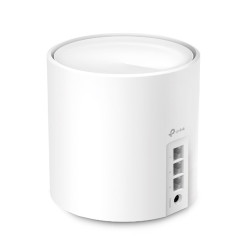
- Model: Deco X50
- Deliver Wi-Fi to an area of up to 6,500 square feet
- Frequency: Dual-Band (2.4GHz & 5GHz)
- WiFi Speeds: Up to 3000 Mbps, AI-Driven Mesh
- Interfaces: 3× Gigabit Ports, 2× Internal Antennas
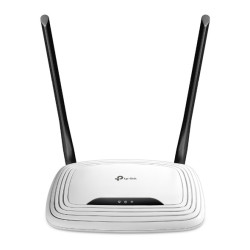
- Model: TP-Link TL-WR841N
- Speed: Up to 300Mbps
- Frequency: 2.4 Ghz
- Interface: 1 x WAN & 4 x LAN ports
- Features: WISP Mode, AP Mode, Range Extender Mode
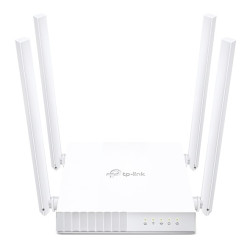
- Model: Archer C24
- WiFi Speed: 300Mbps (2.4Ghz), 433Mbps (5Ghz)
- Number of Antennas: 4 x Fixed Antennas
- Number of Ports: 1x WAN, 4x LAN (10/100 Mbps)
- Features: Access Point Mode, Range Extender Mode
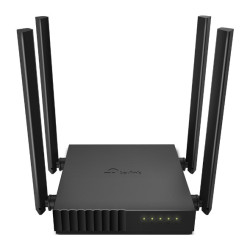
- Model: Archer C54
- Multi-Mode 3-in-1, Compact and Mountable
- 4x antennas & Beamforming delivers
- IPv6 Supported, Parental Controls
- Coverage Area: Maximum 1200 sq ft to 1500 sq ft Area
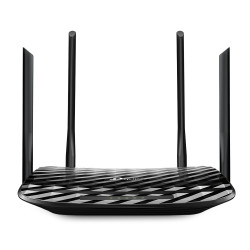
- Model: Archer C50
- Antenna: 4 x External Antennas
- Coverage Area: Maximum 1200 sq ft to 1500 sq ft Area
- Frequency: Dual Band (5Ghz & 2.4Ghz)
- WiFi Speeds: 5 GHz: 867Mbps, 2.4GHz: 300 Mbps
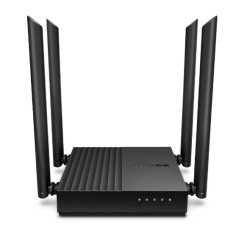
- Model: Archer C64
- MU-MIMO achieves 2X efficiency
- Beamforming technology
- 802.11ac Wave2 WiFi
- 4 external antennas
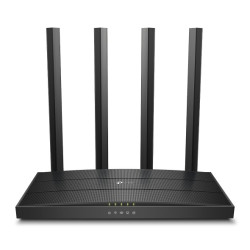
- Model: Archer C6
- Frequency: 2.4GHz and 5GHz
- Data Transfer Rate (Wifi) - 1200 Mbps
- Power Supply: 12V/1A
- Coverage Area: 1500 to 2000 sq ft (Max)
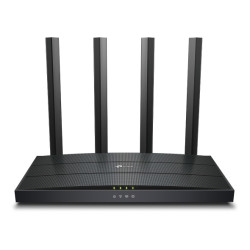
- Model: Archer AX12
- 5 GHz: 1201Mbps, 2.4 GHz: 300Mbps
- Supports MU-MIMO and OFDMA
- 1× Gigabit WAN Port, 3× Gigabit LAN Ports
- 1× Gigabit WAN Port, 3× Gigabit LAN Ports
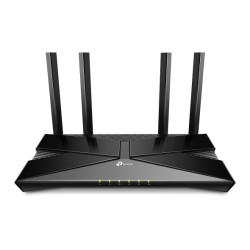
- Wi-Fi 6 technology
- Dual-band 2.4GHz and 5GHz
- OFDMA support
- Beamforming technology
- TP-Link Tether app management
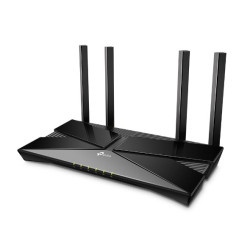
- Model: Archer AX53
- Frequency: 2.4GHz and 5GHz
- 4x external fixed 5dBi antennas
- Dual-core CPU
- OFDMA Technology, Coverage: 2500sft
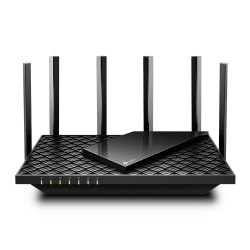
- Model: Archer AX73
- Warp Speeds up to 5400 Mbps for 8K Streaming
- Supports 4x4 MU-MIMO and OFDMA
- 6x high-performance antennas
- Beamforming, High-Power FEM, 4T4R
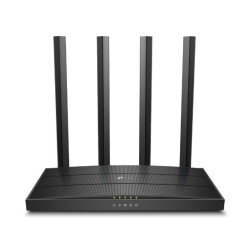
- Model: Archer C80 AC1900
- 4× Fixed High-Performance Antennas
- 802.11ac Wave2 Wi-Fi, 1900Mbps
- 3×3 MU-MIMO Technology
- Data Transfer Rates: 1900Mbps (WiFi)
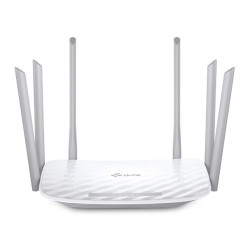
- Model: Archer C86
- 1300 Mbps on the 5 GHz band and 600 Mbps on the 2.4 GHz band
- 1× Gigabit WAN Port, 4× Gigabit LAN Ports
- Boosted Wi-Fi Coverage, Intelligent Connection
- Wi-Fi Coverage: Up to 1500-2000 Square Feet Coverage
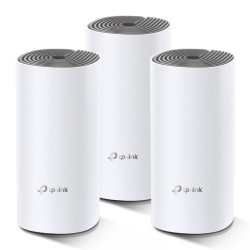
- Model: TP-Link Deco E4
- Deliver Wi-Fi to an area of up to 4000 square feet
- connect up to 100 devices
- Frequency: 2.4 GHz, 5 GHz
- Speed up to 1200 Mbps
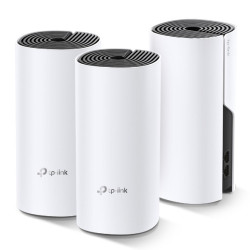
- Model: Deco M4
- Deliver Wi-Fi to an area of up to 4,000 square feet
- connect up to 100 devices
- Frequency: 2.4 GHz, 5 GHz
- Speed up to 1200 Mbps
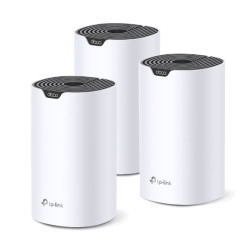
- Model: Deco S7
- Deliver Wi-Fi Area up to 5,600 square feet
- Frequency: Dual-Band (2.4GHz & 5GHz)
- WiFi Speeds: Up to 1900 Mbps, TP-Link Mesh Technology
- Interfaces: 3× Gigabit Ports, 3× Internal Antennas
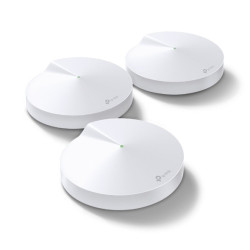
- Brand: TP-Link
- Wireless Standard: Wi-Fi 5 (802.11ac)
- Coverage: Up to 3,800 sq. ft. (2-pack) / 5,500 sq. ft. (3-pack)
- Ports: 2× Gigabit Ethernet ports per unit (Auto-sensing WAN/LAN)
- Processor: 717 MHz Quad-core CPU
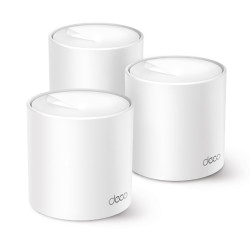
- Model: Deco X10
- Area Coverage: Up to 5600ft
- Device Connect: Up to 120 device
- Frequency: Dual-Band (2.4GHz & 5GHz)
- Ports: 2x Gigabit Ports, Wi-Fi Dead Zone Killer
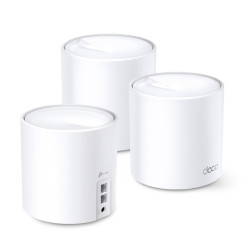
- Model: TP-Link Deco X20 AX1800 (3 Pack)
- Speed: 574 Mbps at 2.4 GHz + 1201 Mbps at 5 GHz
- 4A Internal Antennas
- Wi-Fi Dead Zone Killer
- Robust Parental Controls
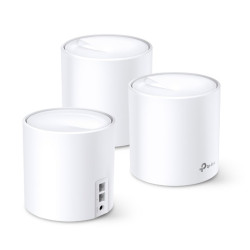
- Model: TP-Link Deco X60
- WiFi Speeds: 5 GHz 4804 Mbps, 2.4 GHz 574 Mbps
- 6 Streams
- Seamless Roaming
- 4 x Internal Antennas